

Portabase DashboardAdvanced ConfigurationNotification
Discord
Send alerts directly to your Discord channels.
Discord notifications use the platform's native Webhook system to post messages to a specific channel.
Discord server configuration
In Discord, go to Server Settings > Integrations > Webhooks.
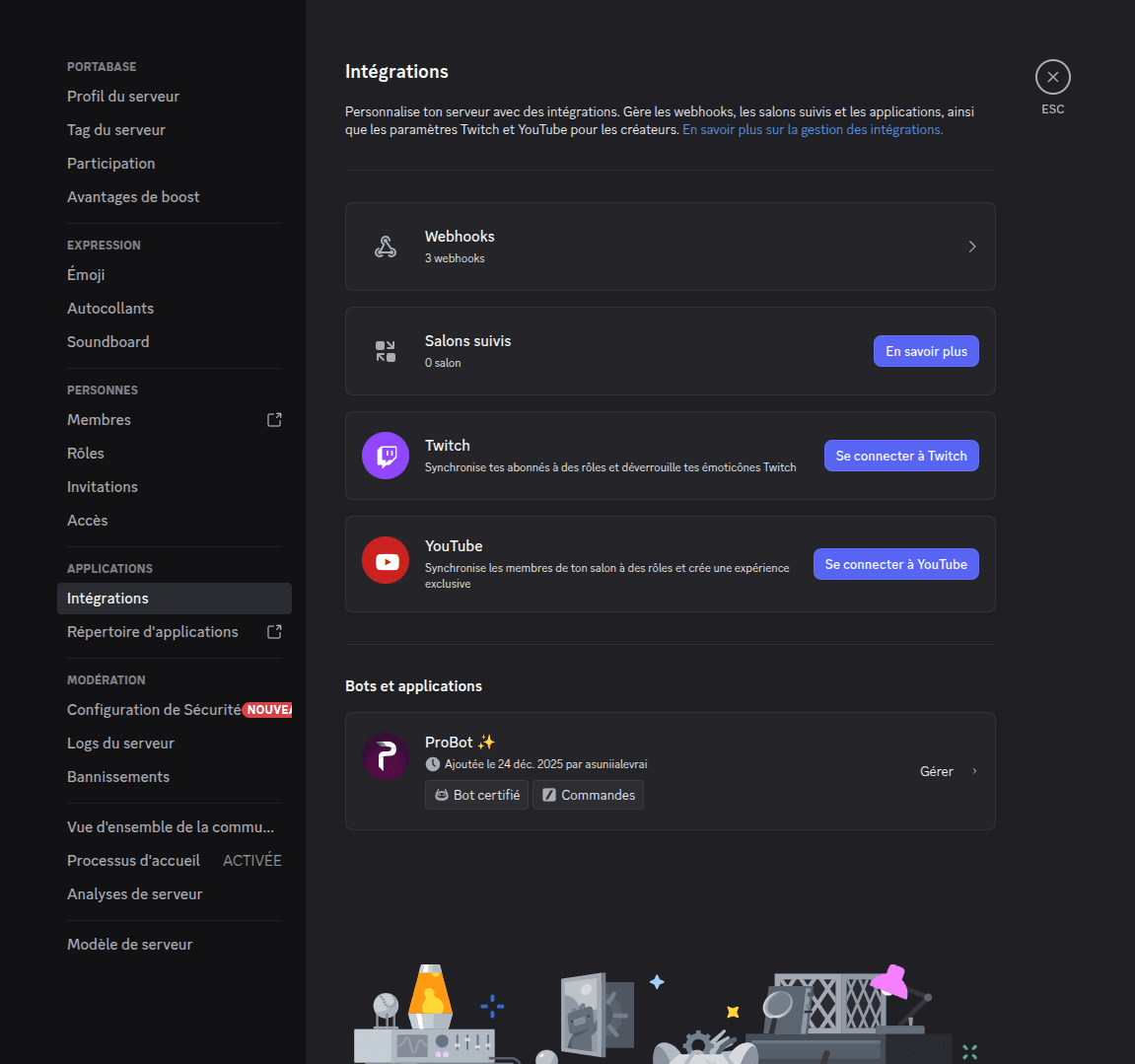
Create a new Webhook and copy its URL.
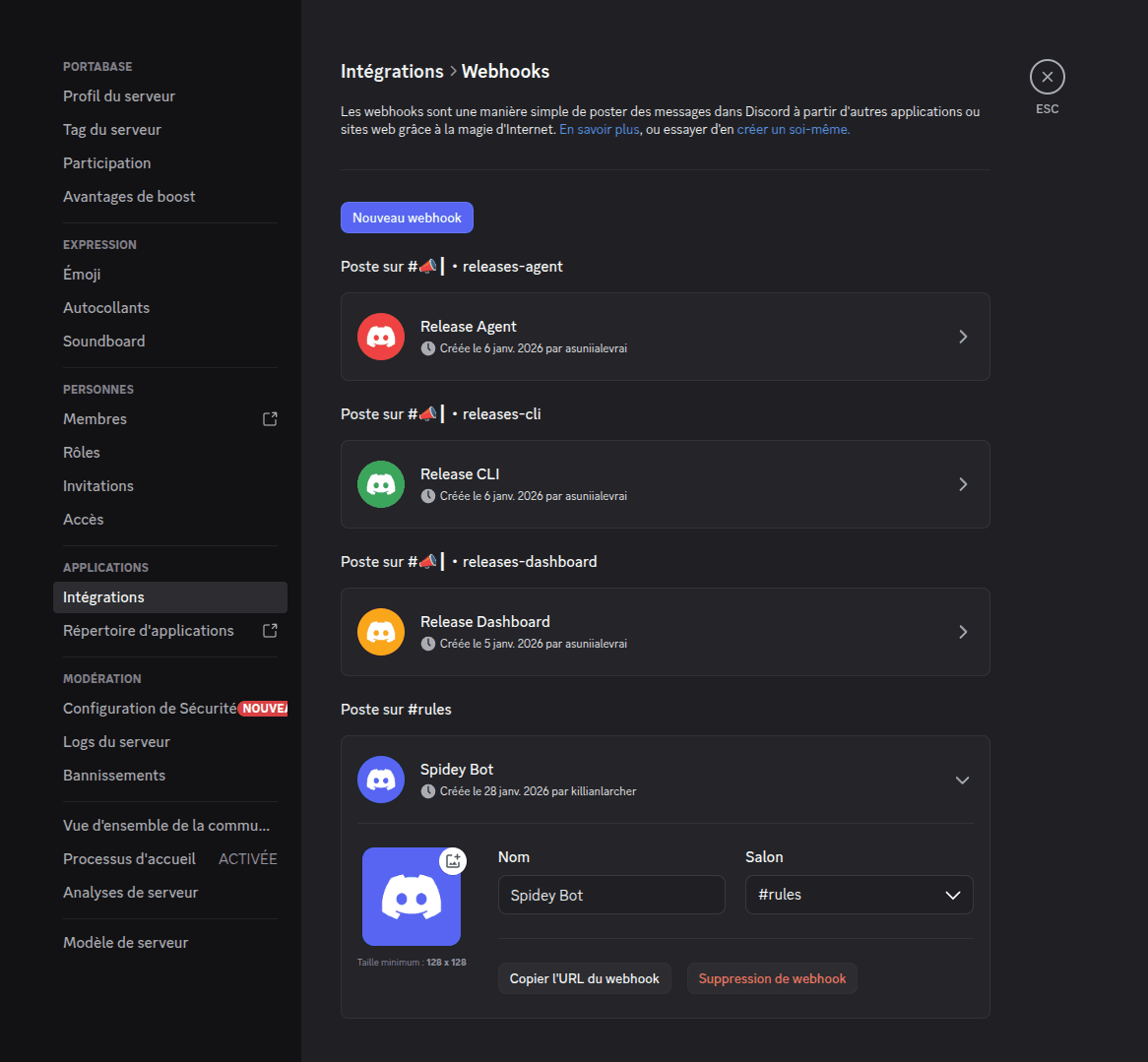
Configuration on the dashboard
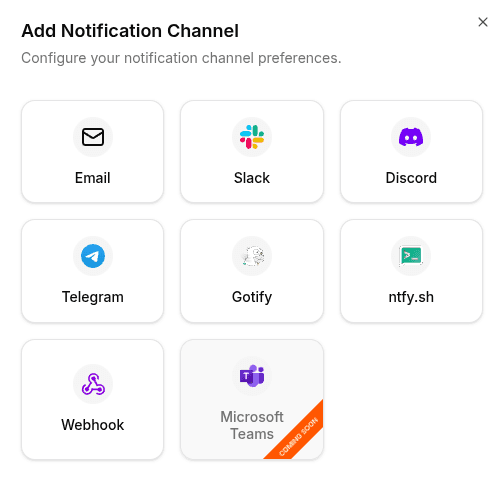
Go to Notifications > Channels, click on + Add Notification Channel, and choose Discord.
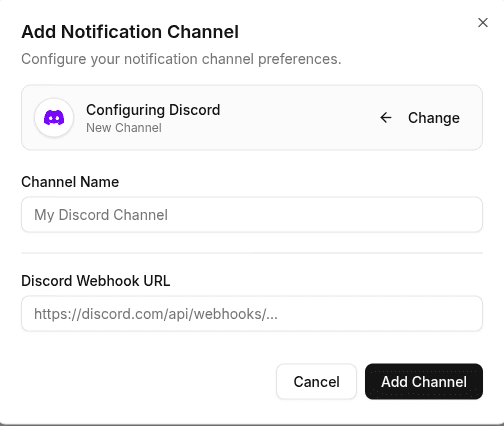
Enter the Discord webhook URL obtained earlier (e.g., https://discord.com/api/webhooks/...) and click Add Channel.
To test the configuration, click the channel's edit icon, then click Test Channel. Verify that a test message appears in the selected Discord channel.