

Portabase DashboardAdvanced ConfigurationNotification
Email (SMTP)
Configure SMTP settings to receive alerts via email.
Email notifications are the most standard way to stay informed about your backups. To use them, you need to provide your own SMTP server credentials.
Configuration on the dashboard
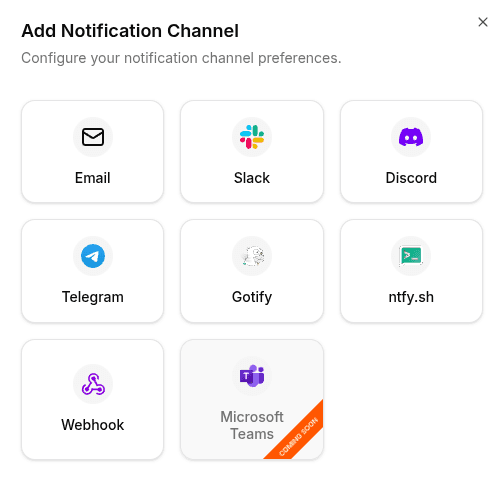
Go to Notifications > Channels, click on + Add Notification Channel, and choose Email.
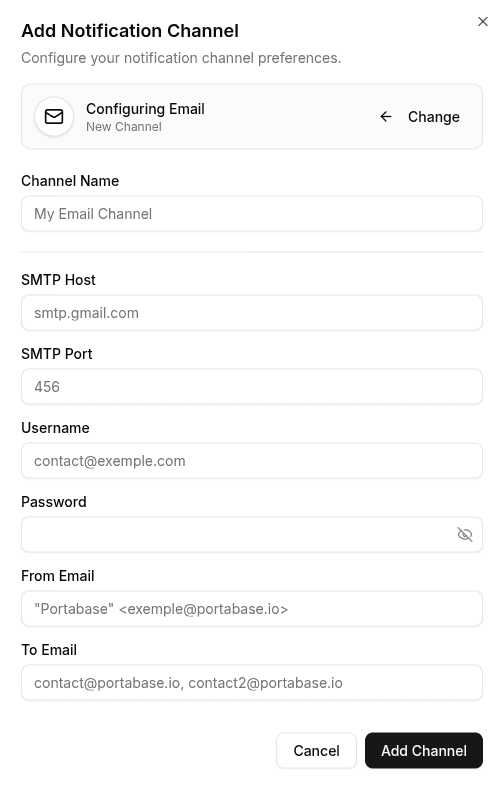
- SMTP Host: The address of your mail server (e.g.,
smtp.gmail.comorsmtp.sendgrid.net). - SMTP Port: Usually
587(TLS) or465(SSL). - Username: Your email account username.
- Password: Your email account password or an App Password.
- From Address: The email address that will appear as the sender (e.g.,
noreply@yourdomain.com).
If you are using Gmail, you likely need to generate an App Password in your Google Account security settings instead of using your main password.
To test the configuration, click the channel's edit icon, then click Test Channel. Portabase will attempt to send a test email to the configured administrator email address.